For boards, committees and company meetings
From the meeting to the minutes, without taking notes.
GrabaNota records your board meetings, assemblies and team meetings and gives you the transcript with who said what, the minutes, the summary and the agreed tasks. You run the meeting; the AI takes the notes.
It understands over 90 languages and writes in Spanish, Catalan and English. Your recordings are private by default.
Example of a meeting in GrabaNota: the transcript with speakers on the web and, in the phone app, the minutes with their agreements and tasks
- for minutes, summaries, tasks and more
- 9 templates
- each audio is kept
- 5 years
- understood when transcribing; documents in Spanish, Catalan and English
- 90+ languages
- by default: only you see what is yours
- Private
Who it's for
Built for the meetings that matter
Where decisions are made, there has to be a record. GrabaNota keeps it for you.
 01
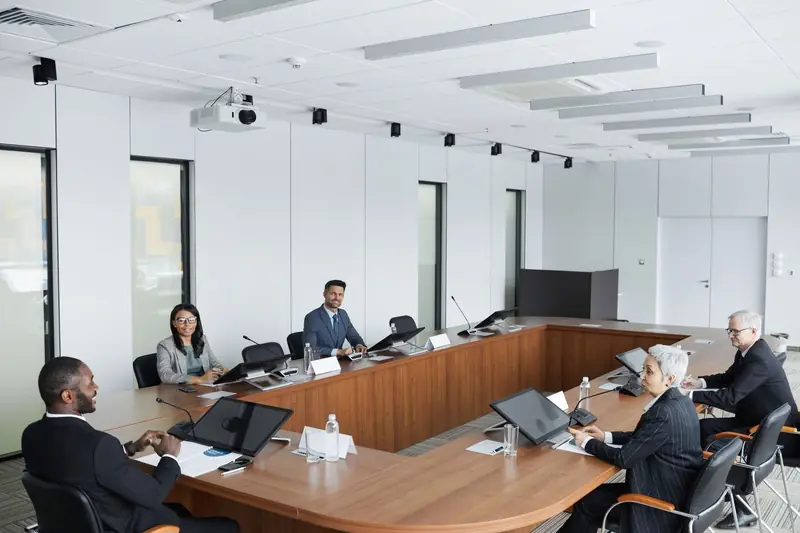
Boards and committees
Governing boards, boards of directors, management committees. Formal minutes with attendees, agenda, discussion, agreements and votes, ready to review and sign.
- Formal minutes with agreements and votes
- Who said what, to the exact minute
- Tasks with an owner and a date
 02
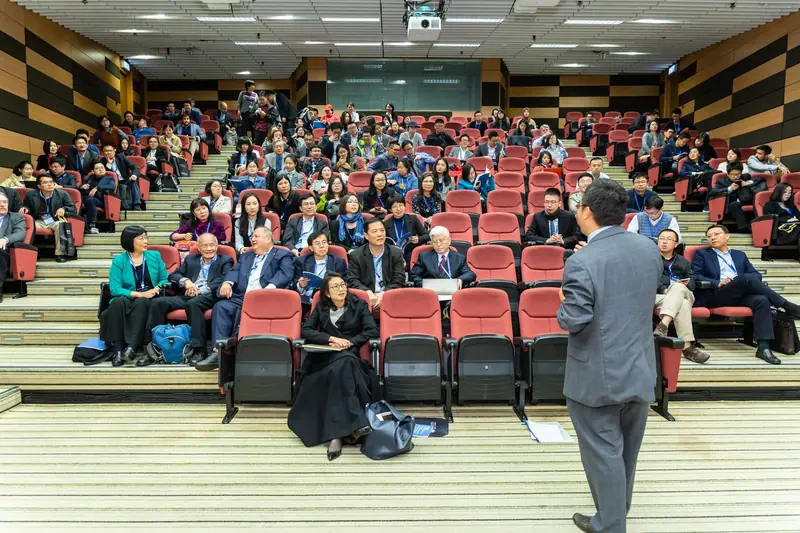
Assemblies and general meetings
Members' assemblies, owners' meetings, council sessions. Hours of speeches turned into a document you can read and search.
- Long recordings, with the screen off
- Every speech with its speaker
- Search any word across all your assemblies
 03
Team and client meetings
Follow-ups, committees, site visits, client meetings. When you walk out you already have the summary and the follow-up email.
- Summary with decisions and key points
- Follow-up email already drafted
- Share it with those who could not attend
 04
Training and classes
Courses, workshops and training sessions. Notes organised by topic, with the concepts, the examples and the review questions.
- Notes organised by topic
- Listen again to any explanation
- For trainers and for attendees
How it works
Three steps and the meeting is taken care of
Record or upload
With the Android app, which records for hours with the screen off, from the browser on your computer, or by uploading audio you already have. With the app, with no coverage it uploads by itself later: a recording is never lost.
The AI does the work
It transcribes with speakers and prepares the document of the template you choose: minutes, a summary, a client meeting report, tasks and agreements, and more.
Receive and share
It reaches you by email when it is done and stays saved so you can search it, listen to it, correct it, export it and share it with your team.
The app
Record on your phone. The minutes write themselves.
Leave the phone on the table and run the meeting. The Android app records for hours, uploads the audio as it goes and, when you finish, the transcript and the minutes are in the app, on the web and in your inbox.
With the screen off
It records for hours in the background, even if a call comes in or you lock the phone.
No signal, no problem
The audio is kept on the phone and uploads by itself when the connection is back. A recording is never lost.
Mark what matters
One tap during the meeting leaves a mark so you can jump back to that exact moment.
On your computer?
Point your phone camera at it and open Google Play.
Test version until it reaches Google Play. When you open it, Android will ask for permission to install apps from the browser.
For Android 10 or later. Sign in with the same account as on the web. Google Play is a trademark of Google LLC.
The GrabaNota app on a phone: the recording screen with the timer and the pause, stop and mark buttons, and the minutes of a meeting with its agreements and tasks
Features
Everything that comes out of a meeting
Not just a transcript: documents ready to use and your whole meeting archive one search away.
9 templates for each kind of meeting
Choose what you want to receive. And if you later need another document from the same meeting, it is generated without transcribing again.
- SummaryOverview, key points, decisions and tasks.
- MinutesFormal minutes: attendees, agenda, discussion per item, resolutions and votes, tasks, any other business.
- Tasks and agreementsJust what has to be done and what was agreed, with owner and date.
- Follow-up emailDraft email to send to the attendees with what was agreed and the next steps.
- Class notesTopics, key concepts with their explanation, examples, questions raised and review.
- Client meetingClient needs, proposals with prices and timelines, concerns, each side's commitments and next steps.
- Executive reportFor those who were not there: a three-line conclusion, decisions, key figures and dates, risks and what is asked of management.
- InterviewRecruitment or field interviews: profile, answers by topic, verbatim quotes with timestamps and next steps, with no added judgement.
- BrainstormIdeas grouped by theme with who proposed them, pros and cons, the discarded, the chosen and the next steps.
Transcript with speakers
Every sentence with who said it and its minute. Tap a sentence and hear exactly that moment.
Search across all your audio
Type a word and find in which meeting it was said and at what minute, across all your recordings.
Tasks and agreements
What was agreed becomes tasks with an owner and a date, which you tick off as they get done.
Share with your team
Every recording is private until you share it with one person or with the whole company.
PDF, Word and email
Download the minutes as PDF or Word, or email them straight from the web.
Correct and polish
Name the speakers, fix a sentence and edit the document before sending it.
Android app for recording
Record with the screen off and mark the important moments with one tap.
By email when it is done
The document reaches your inbox and whoever you choose, without opening the web.
Privacy and retention
Your meetings are yours
What is said in a board meeting is not for everyone. This is how we treat it.
Read the privacy policyPrivate by default
Only you see your recordings. In a company account, not even the administrator sees what you have not shared.
We do not train on your data
Your audio and your text are not used to train artificial intelligence models.
Audio for 5 years; text with no expiry
Audio is kept for 5 years. The transcript, the documents and the tasks are kept for as long as the service is provided and your account exists.
Export or delete whenever you want
Take all your data with you in one file or delete your account from the settings, without asking anyone.
Plans
Plans
No commitment. Choose how many AI minutes you need a month; they renew every period.
Individual
For one person: speaker-labelled transcripts, summaries, minutes and tasks for every meeting or class. Choose how many minutes a month you need.
From—per month
- Speaker-labelled transcript
- Summary, minutes or notes
- Detected tasks
- Everything by email when done
- Search across all your recordings
- Export to PDF and Word, with the classic cover
- Web and Android app
- Your logo, covers and colours on your documents (not included)
- Writing styles: formal, executive, detailed… (not included)
- Custom vocabulary: names and acronyms spelled right (not included)
Professional
For professionals and teams: one pool of minutes for the whole team that you split as you like, documents with your logo and your style, custom vocabulary and teamwork.
From—per month
Each extra person on the team: + — per month. The minutes belong to the team and you decide how many each person can use.
- Everything in Individual, plus:
- Shared pool of minutes
- Split minutes across the team
- Recordings shared with the team
- Member and invitation management
- Your logo, covers and colours on your documents
- Writing styles: formal, executive, detailed…
- Custom vocabulary: names and acronyms spelled right
GrabaNota is in beta: request your invitation and we will give you access the same day.
Frequently asked questions
Frequently asked questions
How long do you keep my data?
Audio is kept for 5 years from the recording date. Transcripts, results and tasks are kept indefinitely while the service is provided and the account exists.
Who can see my recordings?
Only you, unless you share them. In a business account, the administrator does not see members' private content.
What if things are said in the meeting that are beside the point?
The summary and the minutes cover what the meeting was about: jokes, side remarks and outbursts are left out. Depending on your plan, you also choose the writing style (more formal, shorter…), the app lets you pause the recording whenever you want, the recording is private to whoever makes it, and you can review and edit the document before sending it to anyone.
Do I have to tell the attendees?
Yes. Whoever records must tell the attendees that the meeting is being recorded and that the audio is processed with artificial intelligence. The app reminds you before you start.
Can I search for something said months ago?
Yes. Search goes through the text of all your recordings and takes you to the exact minute, even if the audio is no longer kept.
Which languages does it work in?
It transcribes meetings in over 90 languages and detects which one is being spoken. Documents (summary, minutes, tasks…) are written in Spanish, Catalan or English: if the meeting is in another language, they come out in the one you have set in the app. The web and the app are in those three languages.
Do I need to install anything?
No. On a computer you record in the browser, with nothing to install. To record from your phone, the Android app, which keeps recording with the screen off. And if you already have the audio, you upload it from the web and get the same result.
Can I get Professional if I work on my own?
Yes. Professional is priced per tier and you can start on your own: your documents with your logo and your style, and your own vocabulary. If you later work with more people, you add them to the same account and split the team's minutes among them.
Can I change or cancel my plan?
Yes, whenever you want. If a plan's price changes, existing customers keep theirs.
How do I pay?
For now, by bank transfer or invoice: we activate the plan or pack the same day.
Your next meeting, minutes included
Try GrabaNota at your next board or committee meeting. If it does not convince you, you take your data and delete the account.